3.3. Adding a Host
To add data from a host, press Add New Host from the Incident Overview. You’ll be prompted with three tabs. The first time you add a host, you’ll land on Import Existing Dataset since there’s no history yet; after that, you’ll land on Recently Used.
Recently Used: quickly repeat a method you’ve used recently.
- Import Existing Dataset: import data you’ve already collected using the Collector or another tool, grouped into:
DFIR Collections: Cyber Triage Collector, KAPE, Linux UAC, Logical Files
Telemetry: SentinelOne, Microsoft Defender
Full Images: Disk Image, Memory Image, Local Disk
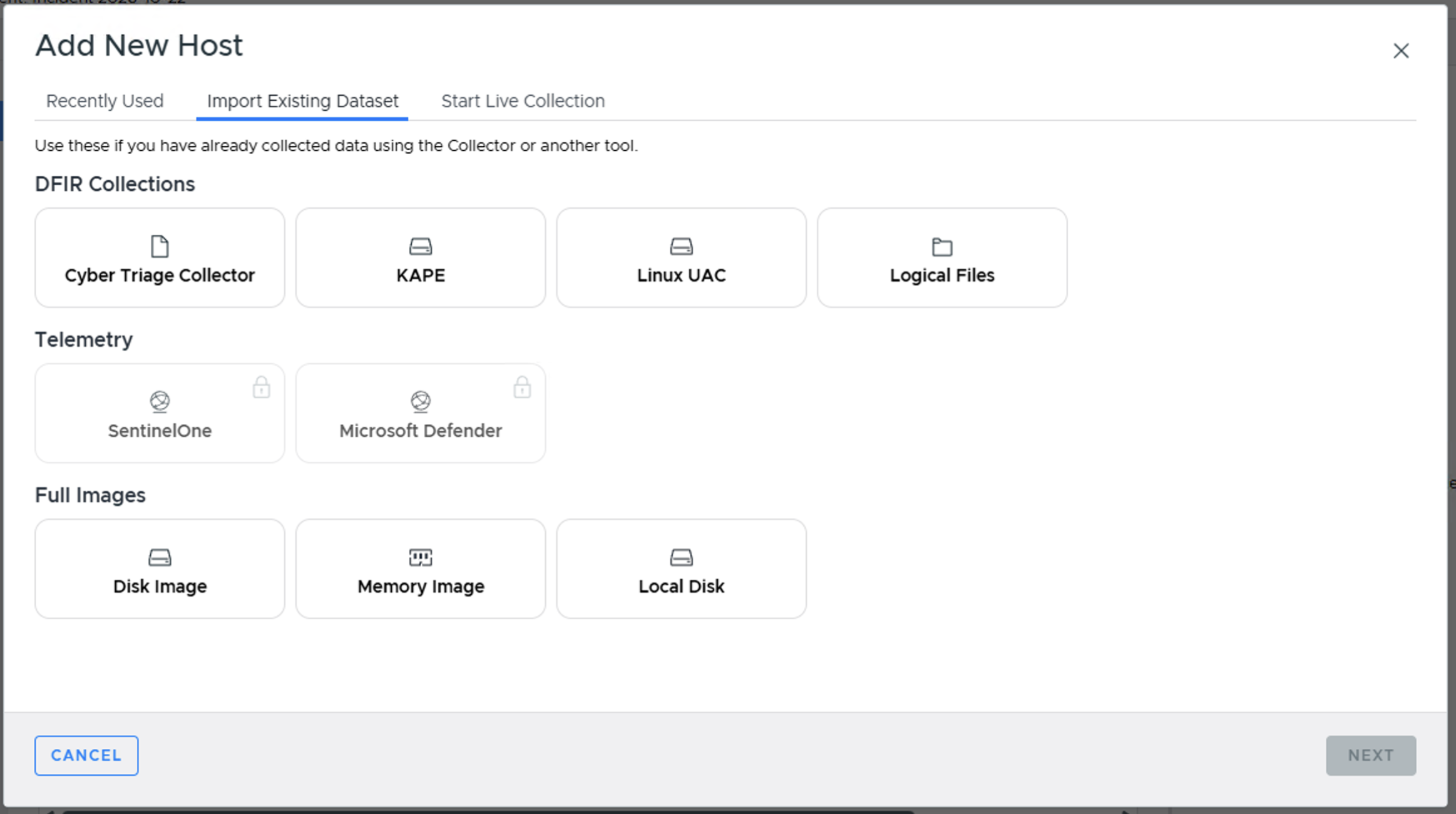
Add New Host - Import Existing Dataset tab
- Start Live Collection: launch the Cyber Triage Collector against a live system, using:
Interactive Session: manually launch the Collector yourself - see Launching The Collector Manually.
EDR Agents: launch via your EDR’s remote execution capability - see Launch via EDR.
Network - PsExec: see Add Over The Network - PsExec Launch.
Network - Manual: see Add Over The Network - Manual Launch.
PowerShell / WMI: launch via IT infrastructure like PowerShell Remoting or WMI - see Launch via PowerShell, WMI, etc..
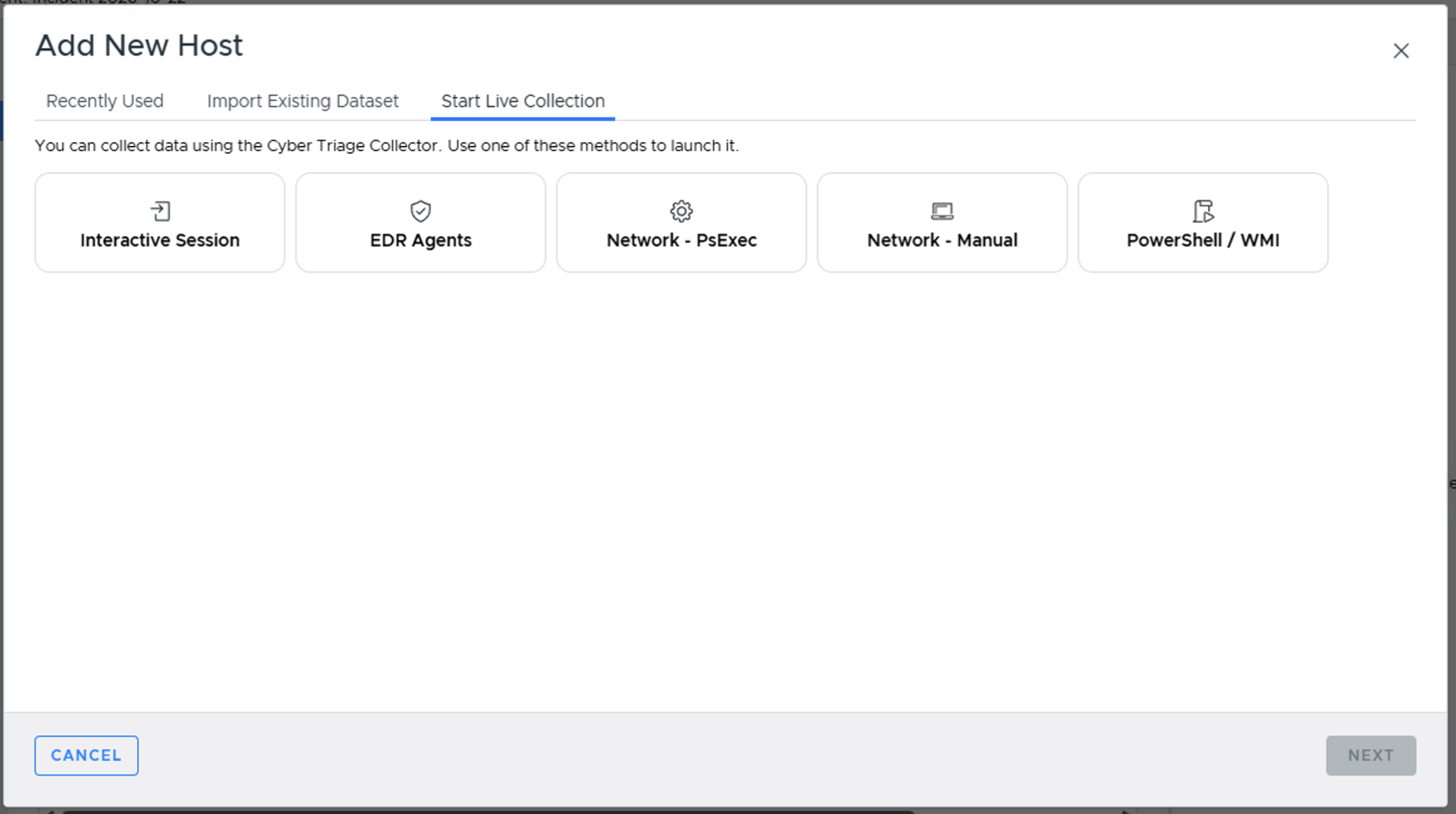
Add New Host - Start Live Collection tab
As mentioned in the previous chapter, Cyber Triage supports a variety of ways of getting host data into it. Some scenarios will involve using the Cyber Triage Collector tool to extract artifacts from a live system. Others involve importing an already collected data set, such as an E01 image.
The basic process is:
Ensure the threat intelligence is up to date (Update Threat Intelligence)
Choose the method to add (Getting Data Into Cyber Triage)
Configure the automated analysis settings, such as malware scanning (Ingest-Time Settings)
The details are in the following pages, grouped to match the Import Existing Dataset and Start Live Collection tabs above.
3.3.1. Basic Concepts
3.3.2. Import Existing Dataset
3.3.3. Start Live Collection
Interactive Session (Launching The Collector Manually), EDR Agents (Launch via EDR), and PowerShell / WMI (Launch via PowerShell, WMI, etc.) are covered in Getting Data Into Cyber Triage rather than their own pages.