4.4. Offline Environments
Cyber Triage can work in environments that are not connected to the Internet. This section contains some relevant features and settings.
4.4.1. Disable Internet Access
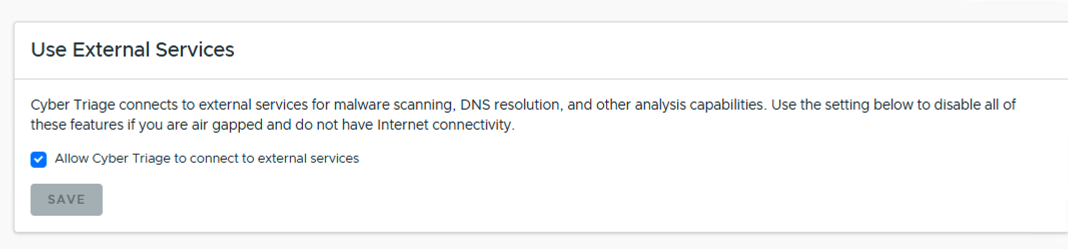
You can configure Cyber Triage to not connect to systems on the Internet and therefore not generate connection error messages. This setting is in the Options panel in the “System” / “Network” section.
4.4.2. Offline Malware Scanning
You can still use the Cyber Triage® Malware Scanning Service when you are on an air-gapped network. See Offline Malware Scanning.
4.4.3. Local Copy of NSRL
Cyber Triage® will use its Online Malware Scanning Service by default to identify known files. If you are not connected to the Internet, you can instead use a local copy of the NIST NSRL. See Local Copy of NSRL.